Red Ribbon: Adding a Vibrant Pulse to Your Creative Projects
In the crowded world of digital assets, finding a typeface that does more than just convey a message is rare. You need something that jumps off the page, something that feels energetic and tactile. Enter Red Ribbon, a font that doesn’t just sit there looking pretty—it practically vibrates with personality. If you have been searching for a typeface that bridges the gap between playful fun and bold statement-making, you might have just found your new favorite tool.
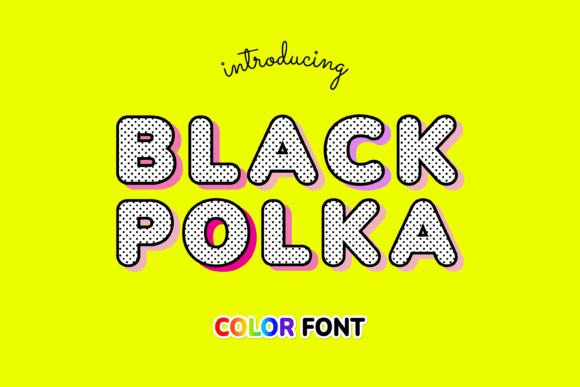
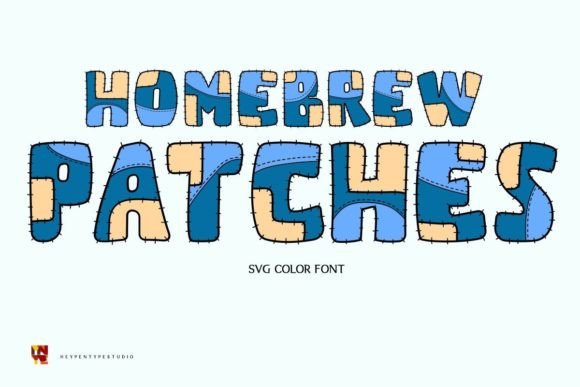
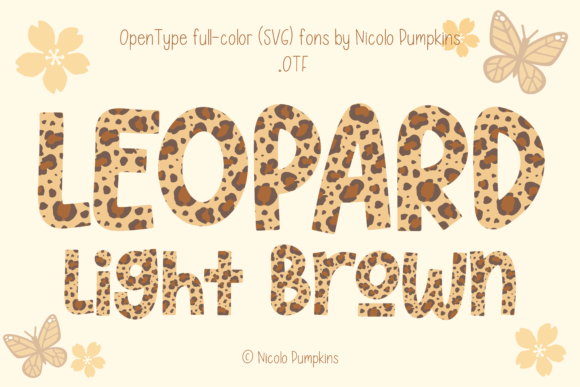
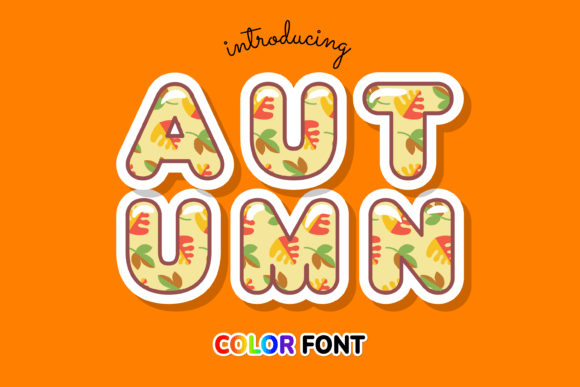
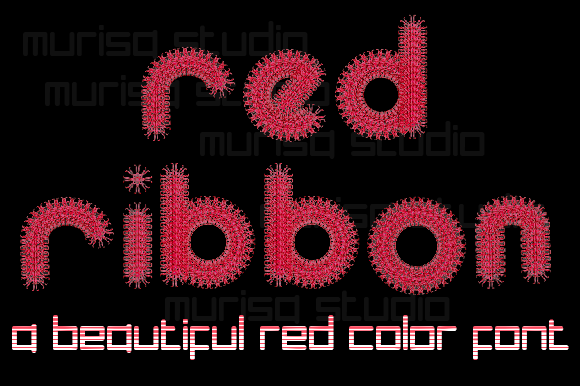
Visually, Red Ribbon is a standout. It falls into the category of a color font, technically known as an OpenType-SVG font. This means the color and texture are baked directly into the file. When you type with Red Ribbon, you aren’t getting a flat, single-tone vector shape; you are getting a vibrant, textured rendering that looks like a 3D ribbon looped and tied right on your screen. It has a distinct "cool and fun" vibe, characterized by a glossy, ribbon-like finish that implies movement and energy. It isn't a traditional serif font or a standard sans serif font; it is a specialized display font designed to be the center of attention.
The Power of the Color Font
To understand why Red Ribbon works so well, you have to appreciate the technology behind it. Traditional fonts are vector outlines that you color in manually. Color fonts, however, can contain vector shapes, bitmap images, or both, allowing for complex textures and shading that standard typography cannot achieve.
For designers and creators, this is a massive time-saver and a creative game-changer. Think about the last time you tried to create a glossy text effect in Photoshop or Illustrator. It usually involves layering multiple strokes, adding bevels, and messing with gradients for an hour. With Red Ribbon, that high-end, textured look is instant. It captures the essence of a premium font asset because it offers a visual complexity that typically requires advanced design skills to recreate from scratch.
Where Red Ribbon Shines: Practical Applications
Because of its distinct style, Red Ribbon isn't the typeface you use for writing a 500-page novel or a corporate legal brief. Its strength lies in impact. Here is where this creative font truly earns its place in your toolkit:
- Greeting Cards and Invitations: If you are a crafter or a stationery designer, Red Ribbon is practically made for you. It instantly conveys a sense of celebration. Whether it’s a birthday bash, a baby shower, or a festive holiday sale, the font adds that necessary pop of joy without you needing to add extra clipart.
- Digital Design and Social Media: In the fast-scrolling world of Instagram, TikTok, or Pinterest, you have milliseconds to grab attention. Red Ribbon acts as a stop-sign for the eyes. Use it for "SALE" announcements, header text on YouTube thumbnails, or bold statements on Instagram stories. It cuts through the noise of standard social media graphics.
- Packaging Design: For small business owners selling products like candy, party supplies, or cosmetics, this font communicates "fun" and "quality" immediately. It can help build a brand identity that feels youthful and energetic.
- Presentations: We’ve all sat through boring slide decks. Using Red Ribbon for your section headers can wake up your audience. It signals that this presentation is different and worth paying attention to.
Strategic Usage: Typography and Brand Perception
As a designer or brand strategist, you know that typography influences psychology. The fonts you choose tell your audience how to feel about your brand before they even read the copy. Red Ribbon communicates confidence, playfulness, and modernity.
However, using a display font effectively requires restraint. Because Red Ribbon has such a strong personality, pairing it correctly is crucial for maintaining a visual hierarchy. You wouldn't want to pair it with another loud, decorative script font or a heavy handwritten font—that would create visual chaos.
Instead, let Red Ribbon do the heavy lifting for the headlines, and pair it with a clean, neutral sans serif font for the body text. This contrast allows the "cool" factor of the ribbon texture to shine while ensuring your message remains readable. This approach ensures your design looks professional rather than cluttered. It’s about balance; let the display font be the star, and let the supporting typeface be the stage.
Technical Realities and Workflow
Before you dive in, it is vital to understand the technical landscape of this asset. Red Ribbon is a commercial font that utilizes advanced technology, and not all software handles it the same way.
The product files include OTF and TTF versions, but the magic happens in environments that support OpenType-SVG. This includes industry standards like Adobe Photoshop, Adobe Illustrator, Silhouette, and Inkscape. These programs can read the embedded color data and render the font exactly as intended.
A Crucial Note for Crafters: If you are a Cricut user, you need to be aware of compatibility. The OTF and TTF files of this product are not compatible with Cricut Design Space. Cricut’s software often strips out complex color data or struggles to map the glyphs correctly for SVG fonts. If you are strictly using a Cricut machine for your crafting, this specific font may not render correctly in your software. Always check the Ultimate Font Guide provided by the creators for the most up-to-date technical specifications and workarounds.
Evaluating Fit and Licensing
When you are building a library of design assets, quality control is key. When evaluating Red Ribbon for your collection, consider the following:
- Project Fit: Does the brand or project call for a tactile, celebratory vibe? If the goal is solemn or ultra-minimalist, skip it. If the goal is energy and engagement, it’s a perfect match.
- Readability: Test the font at the size you intend to use it. As a display font, it is meant for large sizes. It will lose legibility if you try to shrink it down to 10pt for a paragraph.
- Licensing: Always review the license. If you are using this for a client’s logo design or a commercial product run, ensure your license covers that usage. Most premium font providers offer specific tiers for personal versus commercial use.
Ultimately, Red Ribbon is more than just a file; it is a tool for expression. It bridges the gap between digital precision and handcrafted joy. Whether you are designing a banner for a local event, mocking up packaging design for a new candy brand, or creating headers for a lifestyle blog, this creative font offers a reliable way to inject personality into your work. By respecting its technical requirements and pairing it thoughtfully, you can use Red Ribbon to create designs that are not only seen but felt.