Hot Fire: Igniting Your Designs with Dynamic Typography
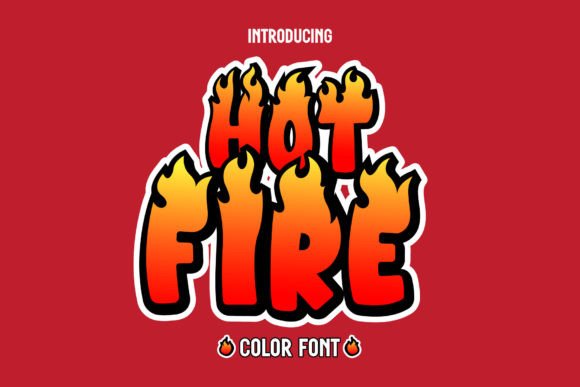
There is a specific energy required to make a design stand out in a crowded digital landscape. Standard typography serves its purpose for body text and long-form reading, but when you need to grab attention instantly—whether on a product label, a YouTube thumbnail, or a social media banner—you need something with inherent movement. This is where Hot Fire enters the picture. It is not merely a set of letters; it is a visual statement. As a premium font designed in the style of burning files, it offers a distinct aesthetic that transforms static text into a dynamic visual element.
The Anatomy of a Creative Font
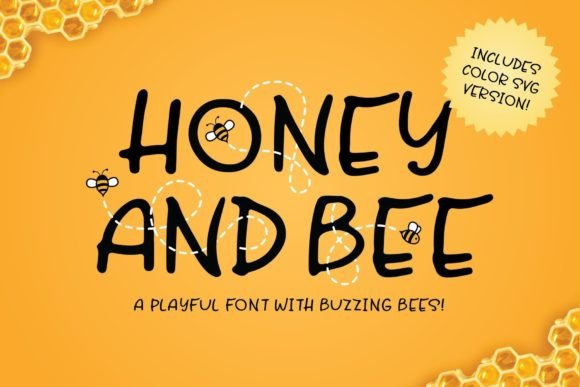
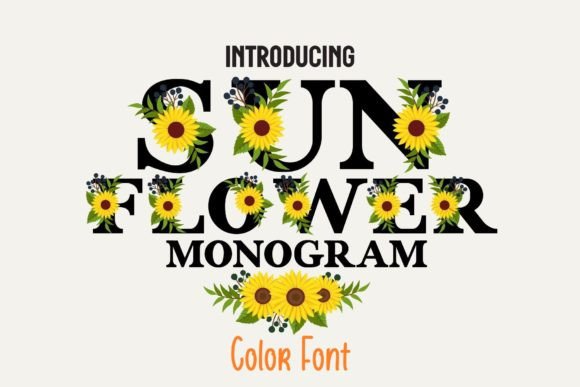
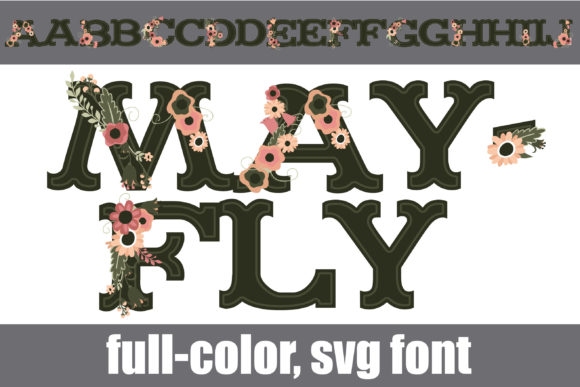
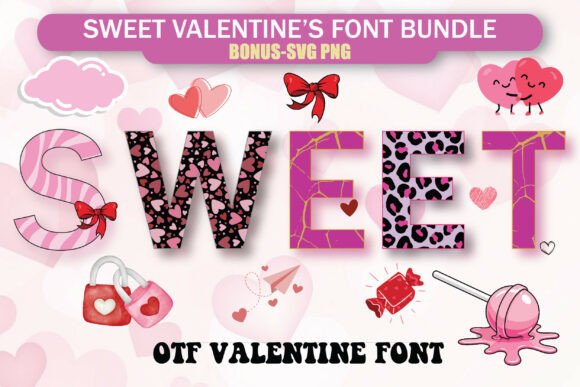
Understanding the technical makeup of Hot Fire is essential before incorporating it into your workflow. This typeface falls into the category of color fonts, specifically utilizing the Opentype-SVG format. Unlike traditional vector fonts that rely on single-color fills, SVG fonts allow for embedded color data and texture. This means the gradients, the glow of the fire, and the intricate details of the "burning" effect are baked directly into the font file. When you type with Hot Fire, you are rendering a high-fidelity image within the text.
This level of detail gives Hot Fire a personality that is aggressive, energetic, and unapologetic. It mimics the raw power of flames, making it an ideal choice for projects that require high impact. It functions less like a traditional sans serif font or serif font and more like a standalone graphic element. For designers, this eliminates the need for complex layering or clipping masks to achieve a fire effect; the typography does the heavy lifting.
Practical Applications and Project Fit
The versatility of Hot Fire lies in its ability to adapt to various themes requiring intensity. While you wouldn't use this for a corporate legal document, it is an incredible asset for specific niches.
- Logo Design and Brand Identity: If you are building a brand centered around extreme sports, gaming, automotive culture, or nightlife, Hot Fire provides an immediate visual shorthand. It communicates excitement and heat without needing a lengthy explanation.
- Packaging Design: In the food industry, specifically for spicy sauces, BBQ rubs, or bold snack flavors, this font can visually communicate the taste profile. A consumer looking at the shelf should feel the heat before they even taste the product.
- Editorial and Publishing: Magazine covers, blog headers, and book titles often need a "hook." Using Hot Fire for a headline in an editorial design can break the grid and draw the reader's eye to a specific story about music, action movies, or viral trends.
- Digital and Social Media: Content creators on platforms like YouTube or Twitch often need overlays, stream alerts, or thumbnails that pop against a dark background. The high contrast of the fire effect works exceptionally well in dark mode interfaces.
Design Strategy: Readability and Visual Hierarchy
When working with a display typeface like Hot Fire, the rules of modern typography shift slightly. Because the font carries so much visual weight and texture, it commands attention. This makes it a powerful tool for establishing visual hierarchy. It should almost exclusively be used for headlines, subheadings, or single-word callouts.
Attempting to use Hot Fire for body text would result in a legibility nightmare; the intricate details of the flames would blur together at small sizes, and the color complexity would cause eye strain over long paragraphs. Instead, pair it with a clean, neutral typeface. A geometric sans serif font often works best for the supporting text, allowing the fiery headlines to stand out without the design feeling cluttered.
Technical Workflow and Compatibility
Integrating a color font into your design stack requires knowing which software supports the technology. Hot Fire is compatible with major creative applications, including Adobe Photoshop, Adobe Illustrator, Silhouette, and Inkscape. These programs are optimized to handle the SVG data, ensuring the colors and textures render correctly.
However, it is vital to note the limitations regarding cutting machines. The OTF and TTF files included with Hot Fire are not compatible with Cricut. This is a technical constraint of the Cricut Design Space software, which struggles to interpret the complex color data of SVG fonts. If you are a crafter or hobbyist using a cutting machine, verify your hardware's capabilities before purchasing. For a comprehensive breakdown of how to install and use these files across different platforms, checking the Ultimate Font Guide is a recommended step to ensure a smooth creative process.
Evaluating Commercial Use and Licensing
For entrepreneurs and small business owners, the commercial viability of a design asset is just as important as its aesthetic. Hot Fire is a commercial font, meaning it is designed for professional use. Whether you are selling merchandise, creating client work, or designing marketing materials, you need to ensure your licensing covers your specific output.
Before finalizing your project, review the licensing terms to understand the scope of usage. Generally, fonts like this allow for the creation of physical products and digital advertisements, but specific rights can vary. Taking the time to read the fine print protects your business and respects the intellectual property of the type designer.
Final Thoughts on Integration
Hot Fire is more than just a novelty; it is a specialized tool for specific communication goals. It bridges the gap between typography and illustration. When used with restraint and paired with complementary design assets, it has the potential to elevate a standard project into something memorable. Whether you are designing a poster for a music festival or branding a new energy drink, Hot Fire offers a visceral quality that standard typefaces simply cannot replicate. It brings the heat, quite literally, to your creative library.